Snap today’s photo
Open the app, take your photo – or a 3-second video with sound. A gentle reminder comes only if today is still missing.
Take one photo a day. Daylapse lines up your days and turns them into a timelapse you’ll want to watch again and again. Private, no account needed.
Free on iPhone · English & German
Your face, your baby, your bump, your garden. If it changes a little every day, it belongs in a Daylapse.
Open the app, take your photo – or a 3-second video with sound. A gentle reminder comes only if today is still missing.
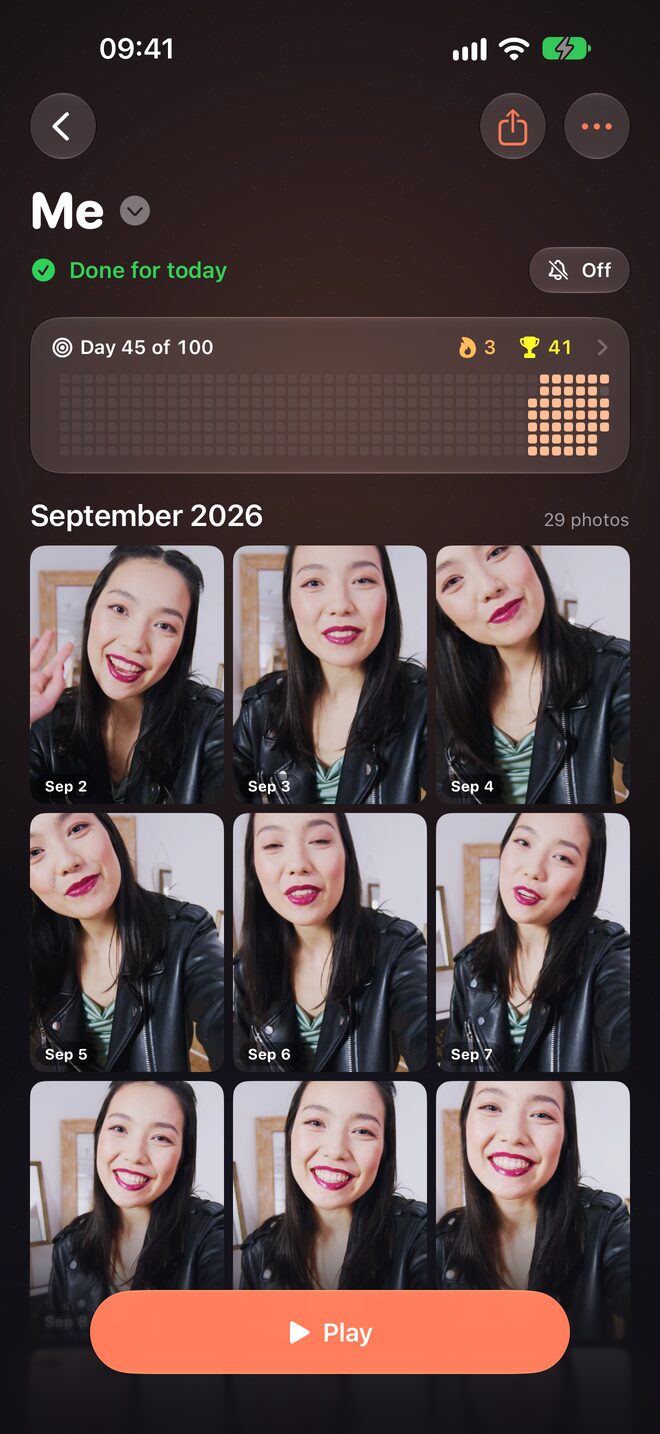
Every photo lands on its day, month by month. Streaks and a quiet activity grid keep you going.
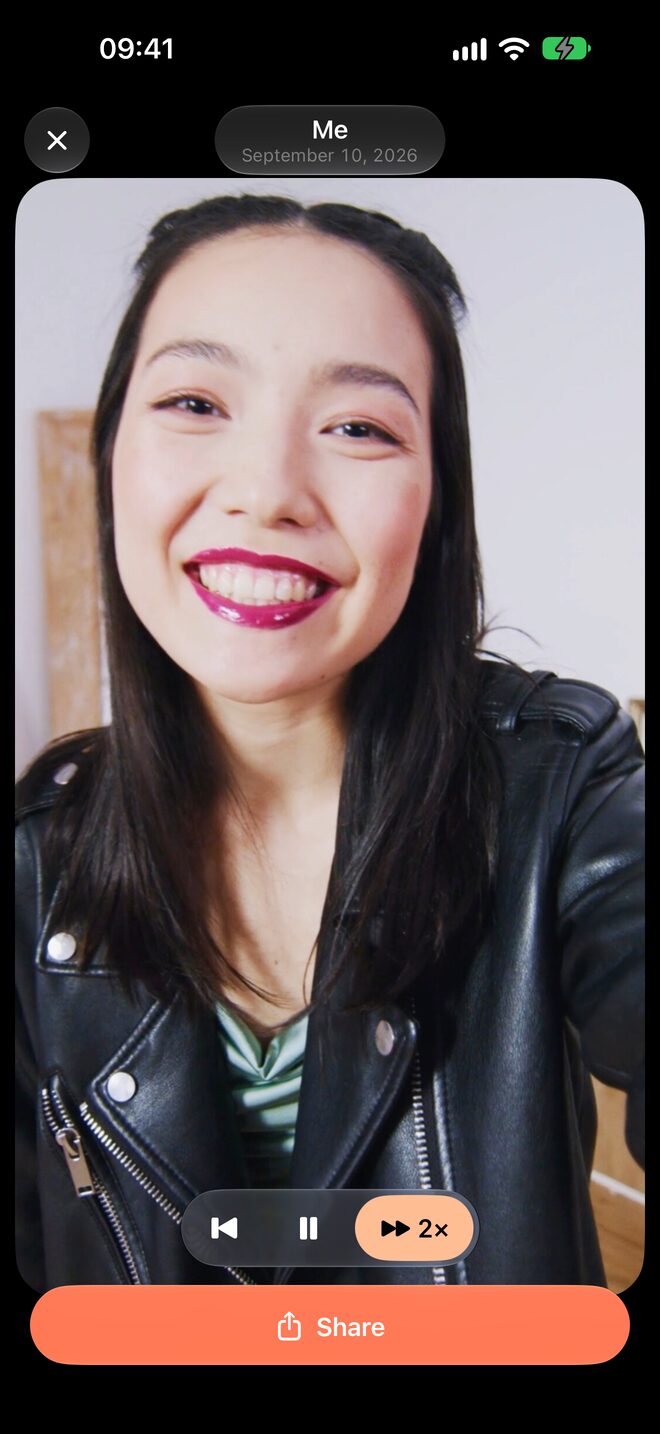
One tap plays your days, one per second or as fast as you like. Share it as a Story, Post or Reel.
Real screens from the iPhone app.
Play your timelapse right away – one day per second or up to 16× faster.
All your photos in order and dated, month after month.
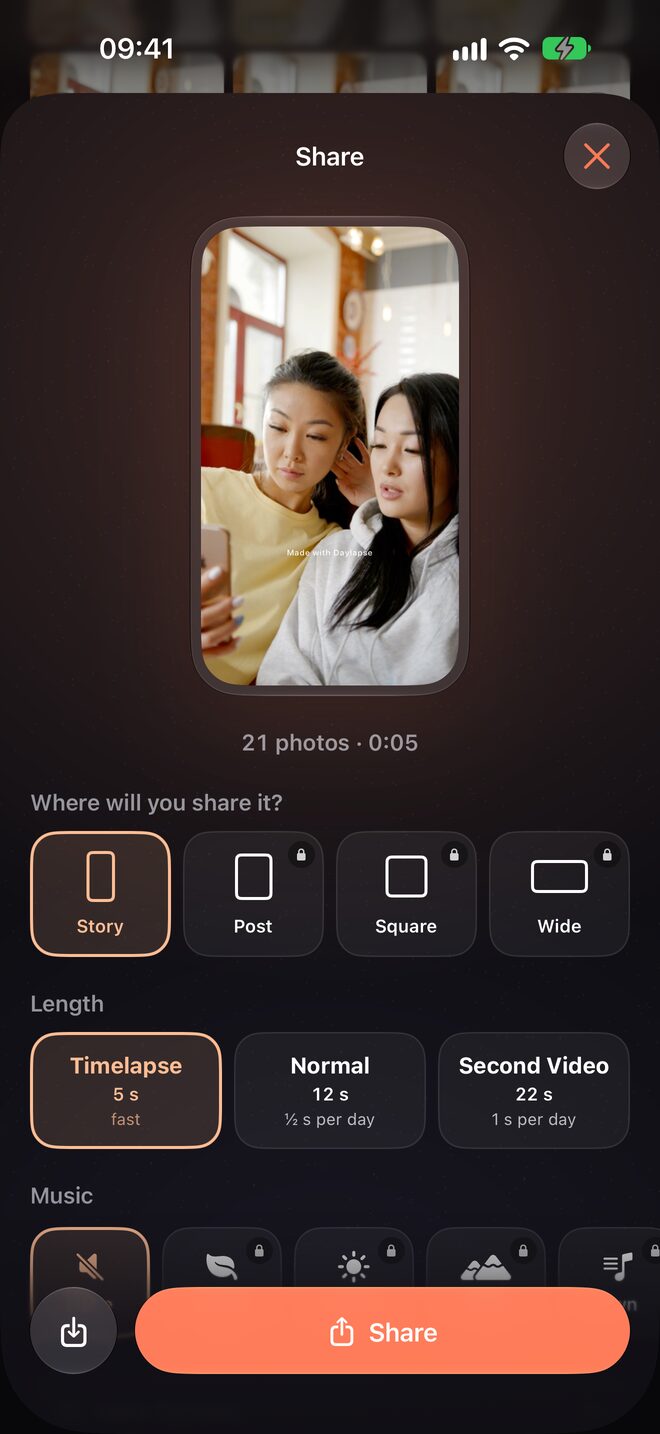
Story, Post, Square or Wide – with music and original sound.
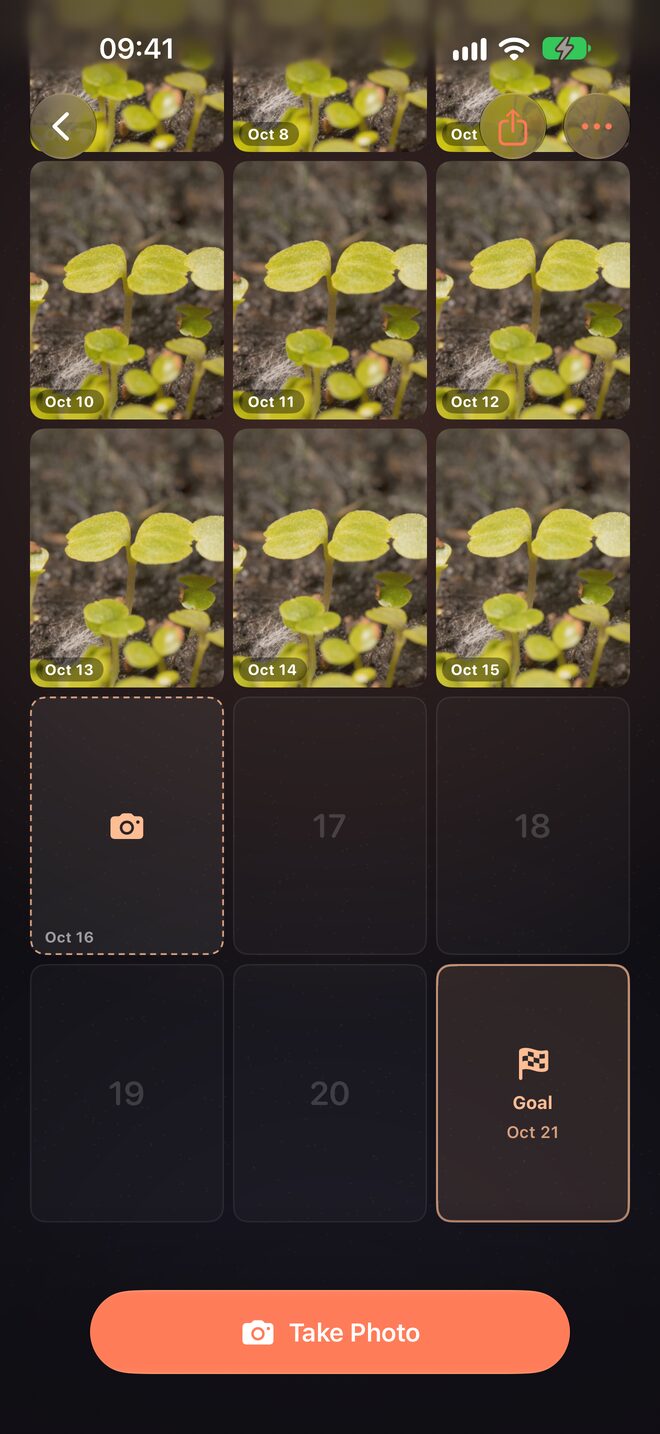
30, 100 or 365 days. See exactly what’s ahead.
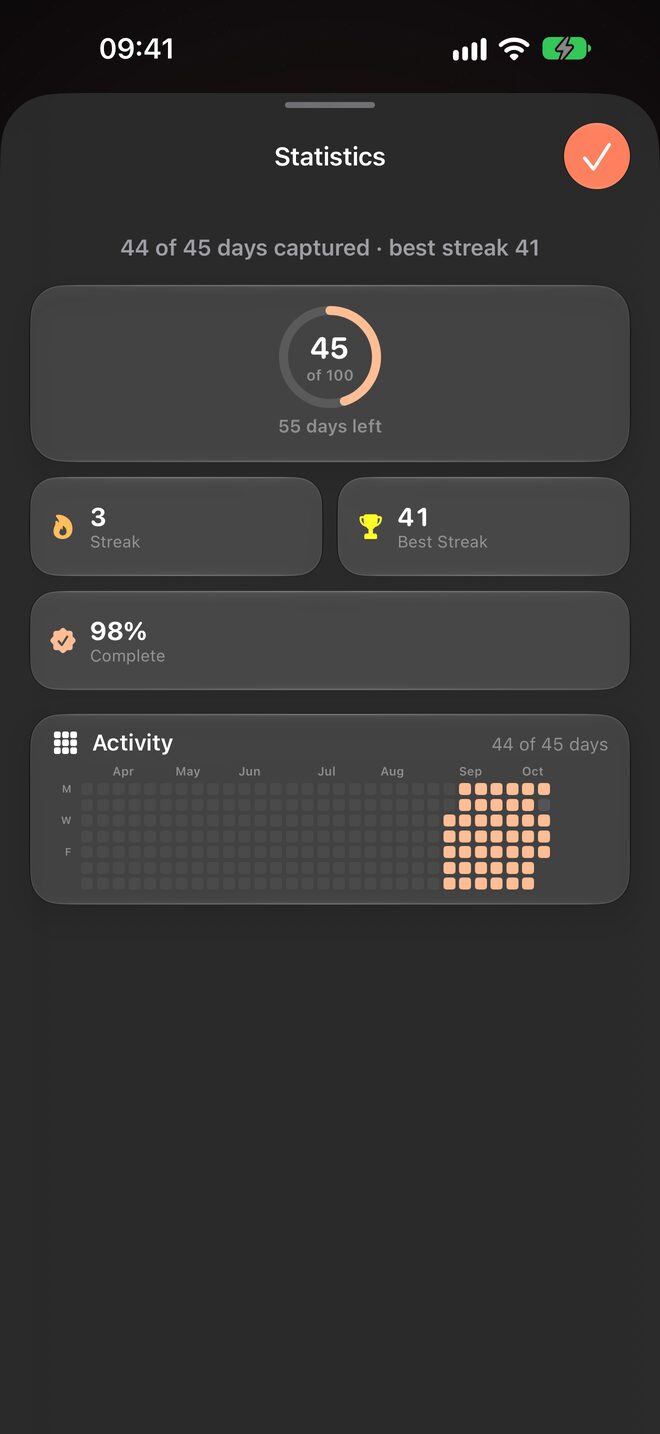
Current streak, best streak and your activity at a glance.
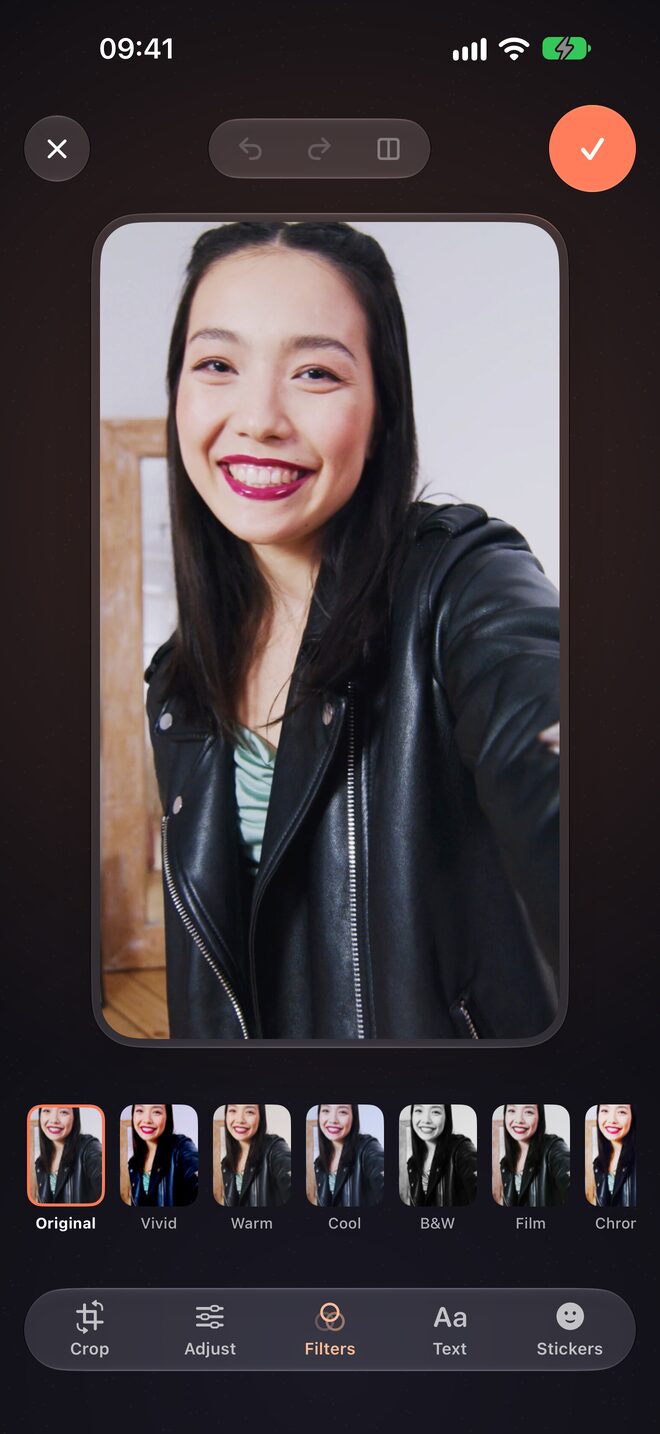
Crop, adjust, filters, text and stickers – non-destructive.
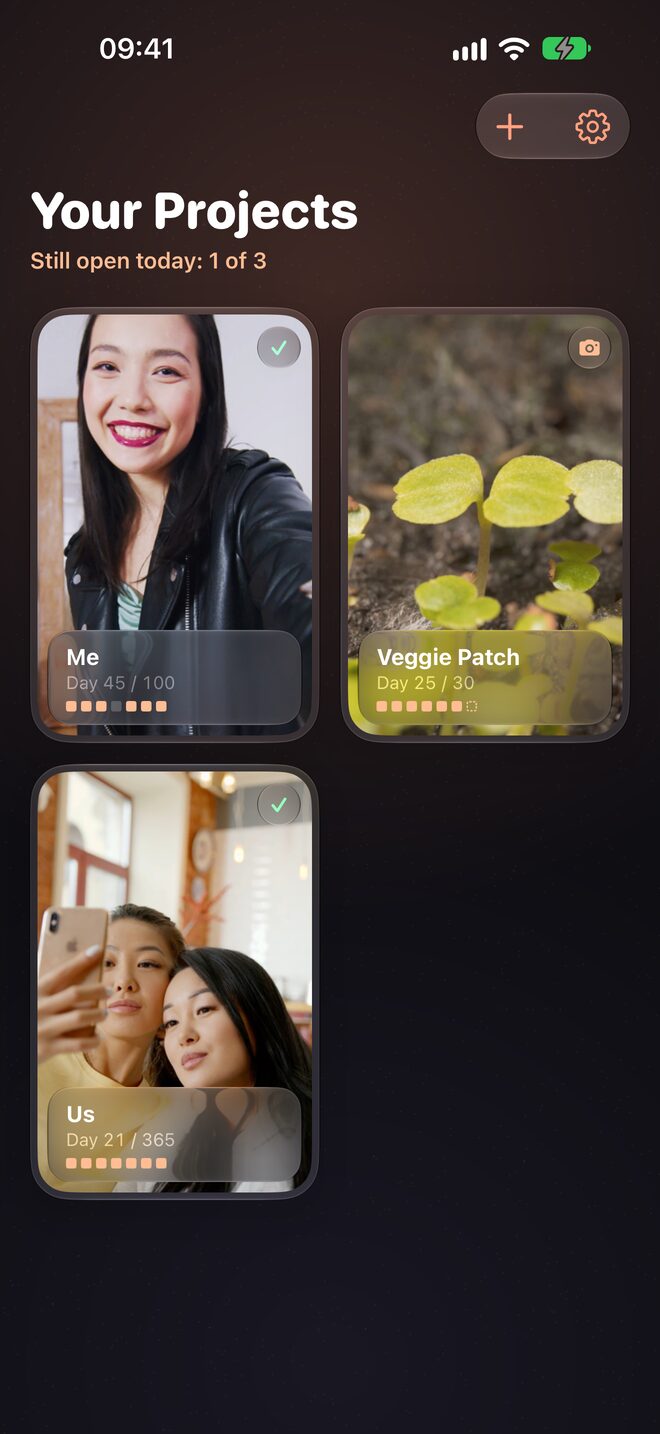
Run several projects side by side.
Daylapse has no account, no server and no tracking. Your photos are stored on your iPhone – and, if you turn it on, backed up to your own private iCloud.
Daylapse Pro is a subscription with a free trial. Cancel anytime in your Apple Account settings.
Yes. You can take a photo every day and watch your timelapse for free. Daylapse Pro unlocks unlimited projects, your full time range, all formats, music and iCloud backup.
On your iPhone, inside the app. Nothing is uploaded to us. With Pro you can turn on a backup to your own private iCloud Drive.
Not at all. A missed day simply stays empty. With Pro you can add a photo for a missed day later.
Yes – any day can be a short video of up to 3 seconds, with its original sound. You choose which 3 seconds.
Yes. Import photos or videos from your library and they land on the day they were taken.
In the Settings app → your name → Subscriptions, or in Daylapse → Settings → Manage Subscription.
Open Daylapse → Settings → Restore Purchases. Your photos come back from your iCloud backup if you turned it on.

In a year, you’ll be glad you did.
Download on theApp Store